



How to Scan and Copy an Entire Book to Word in Seconds
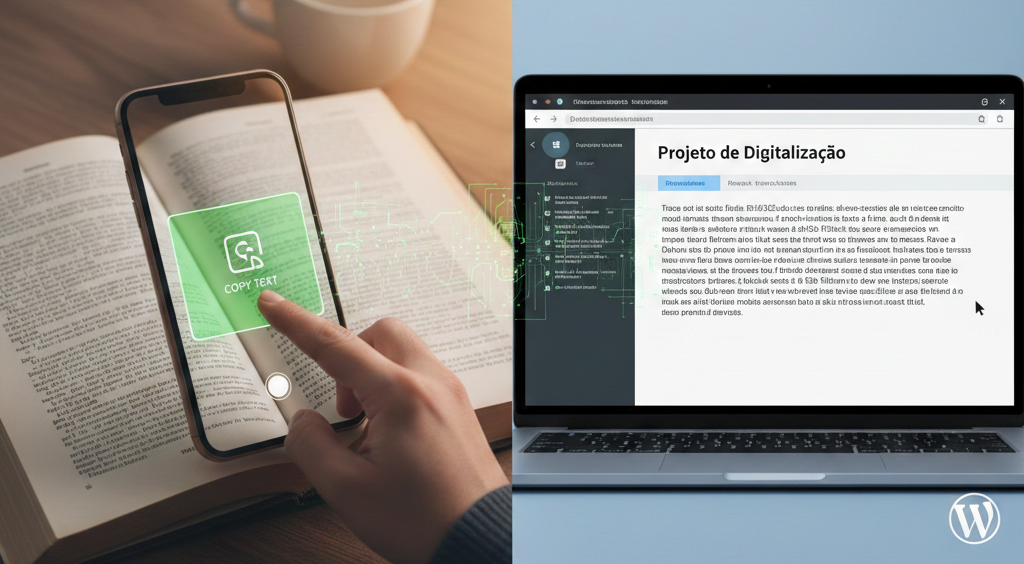
The evolution of Optical Character Recognition (OCR) technology has streamlined the conversion of physical documents into digital formats. Today, turning printed pages into editable text is a seamless process that takes only seconds, powered by native tools available on modern smartphones.
Essential Tools
- Google Lens: A versatile tool that captures text through the camera and allows you to paste it directly onto a computer linked to your Google account.
- Live Text: A native iOS feature that detects characters in real-time through the camera lens for immediate interaction.
- Google Keep: A note-taking app that provides an efficient way to extract text from images and keep it organized.
Step-by-Step Digitization
To copy the content, simply point your camera at the page. Once the software recognizes the characters, highlight the text and select the copy option. The content can then be pasted into Microsoft Word or any text editor, preserving the original wording for further editing.
